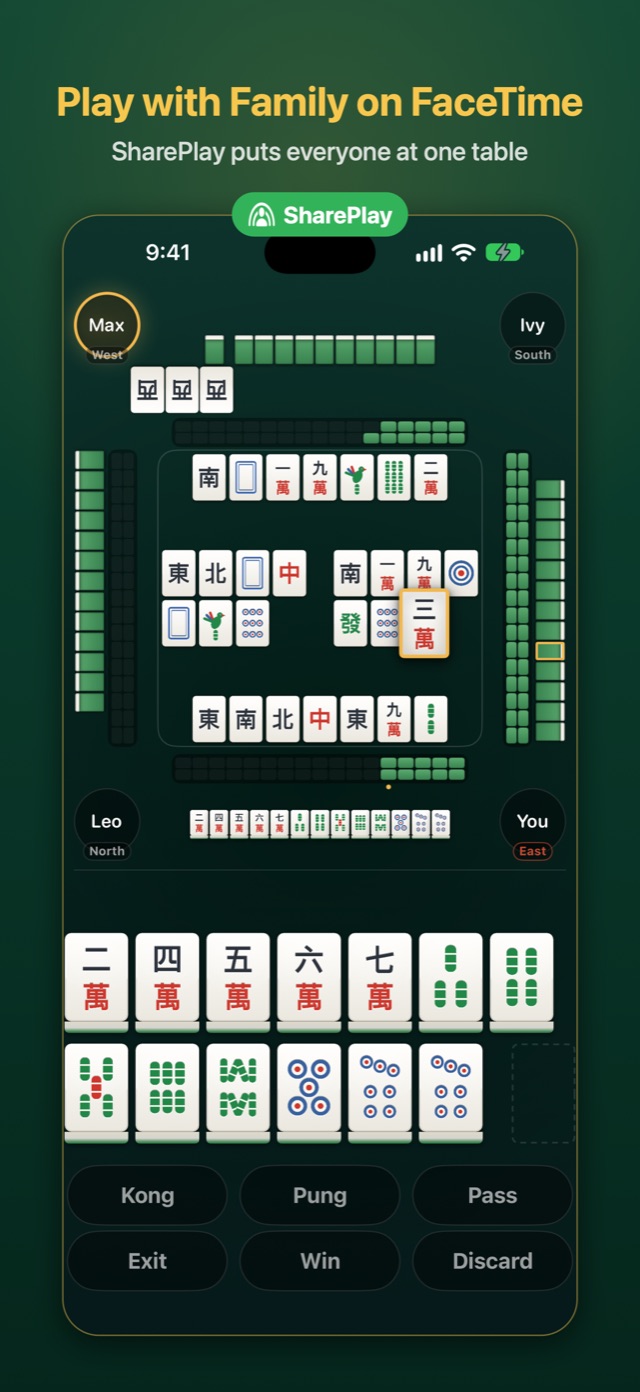
Family far away? With Mahjong Four on iPhone or iPad, everyone on a FaceTime call can sit at the same four-player Chinese mahjong table with SharePlay — and keep talking while you play.
An iPhone or iPad with iOS 18 or later for each player.
Mahjong Four installed on every device. It's free to download, and we recommend everyone update to the latest version.
SharePlay turned on in Settings > FaceTime.
You don't need a Game Center account, a room code or a friend list. Up to four people can sit at one table, and AI takes any empty seat — so two people are enough for a full game.
Step by step
Start a FaceTime call with the people you want to play with.
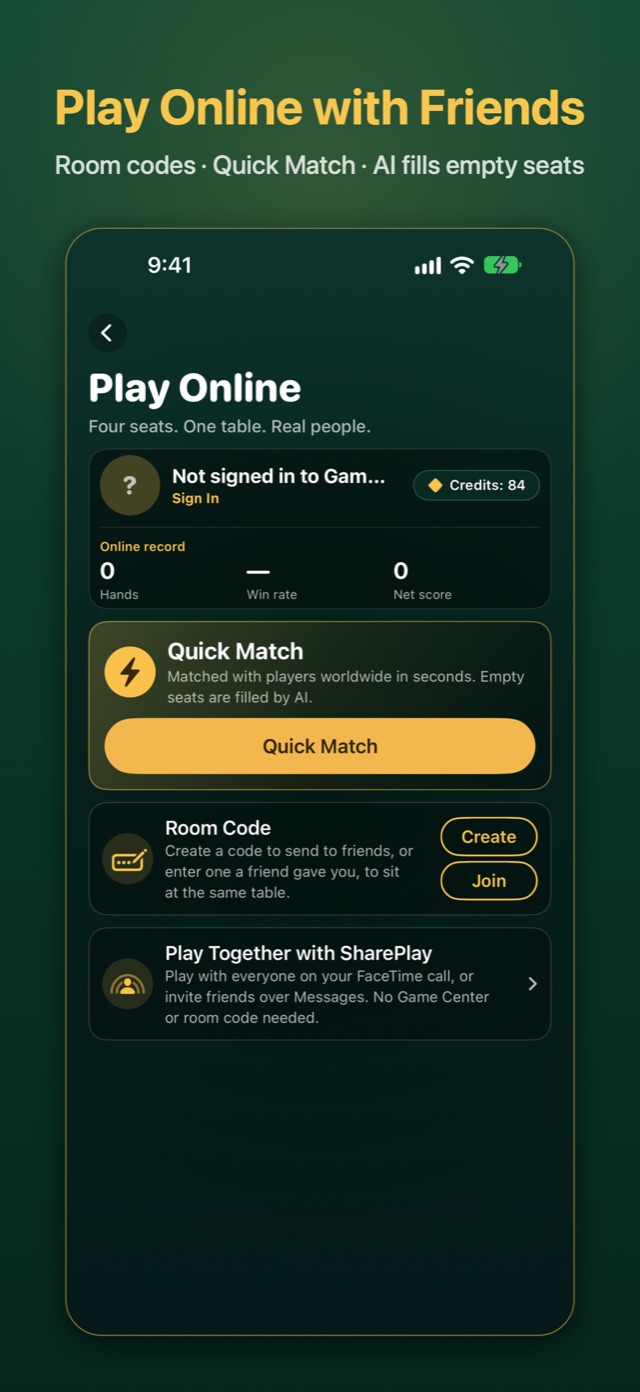
While the call is going, open Mahjong Four and tap Play Online on the main menu.
Tap Play Together with SharePlay. When FaceTime asks, choose SharePlay.
The others on the call get a SharePlay invitation. They tap Open, and Mahjong Four takes them straight to the same table.
When everyone is seated, anyone taps Start Now. Empty seats are filled by AI.
After a game, everyone taps Play Again on the results screen to keep playing at the same table.
Shortcut: if you open Mahjong Four from the app list in the FaceTime call, it goes to Play Online by itself and, after about two seconds, asks whether to start SharePlay. Choose SharePlay and you're at the table.
Play Online → Play Together with SharePlayEveryone at one table
Tips
Each device shows only its own hand. Every player sees their own tiles and nobody else's, just like a real table.
Don't share your screen. FaceTime's screen sharing sends your whole screen to the call, tiles included. You don't need it to play.
New to mahjong? Read How to Play from the main menu before the call. It has pictures of every tile. Optional Western tile faces add numbers and letters to the tiles while you learn.
Names: players signed in to Game Center show their Game Center nickname; everyone else appears as Player 1, Player 2 and so on.
iPhone Duo: when unfolded, Mahjong Four uses the right half of the screen so you can keep FaceTime open on the left.
If something goes wrong
"SharePlay wasn't started." Tap Play Together with SharePlay again and choose SharePlay when FaceTime asks. If FaceTime doesn't ask, check that SharePlay is on in Settings > FaceTime.
Someone joined late. If a table has already started or is full, a late player sees a message saying so. Finish the game, then start a new SharePlay table so everyone joins together.
Someone left. If a player leaves, an AI takes over their seat and the game goes on. One device acts as the host for the table; if the host leaves, the game ends for everyone and you can start a new table.
Play Online is locked ("Out of credits"). Everyone starts with 100 credits, and every score change moves the balance. If it drops below zero, the Play Online button is locked until you win credits back in solo games. Credits can't be bought.
It won't connect. Ask everyone to update Mahjong Four to the latest version from the App Store, then start the table again.
About the game
Mahjong Four is real four-player Chinese mahjong with simple push-down rules: draw and discard, Pung and Kong, and win with four sets and a pair, or seven pairs, with no minimum points. There is no gambling — points can't be bought or cashed out — and no subscriptions. It's available in 11 languages, including English, Simplified Chinese and Traditional Chinese. More questions and answers.